Business intelligence (BI) isn’t just about dashboards or tools.
It’s about thinking clearly with data and turning numbers into decisions.
Business intelligence exercises help you practice real-world scenarios.
They sharpen analytical thinking, improve data storytelling, and build job-ready skills.
What Are Business Intelligence Exercises?
Business intelligence exercises are structured activities that simulate real business problems using data.
They help you learn how to:
- Collect and clean data
- Analyze trends and patterns
- Build dashboards and reports
- Support decision-making with insights
Unlike theory, BI exercises focus on doing, not just learning.
Why Business Intelligence Exercises Matter in 2025
In 2025, companies expect BI professionals to be hands-on from day one.
Hiring managers look for:
- Practical dashboard experience
- Strong KPI understanding
- Real problem-solving ability
- Clear data communication
BI exercises bridge the gap between tools and business impact.
Core Skills You Build with BI Exercises
Data Analysis Skills
You learn how to explore datasets, identify trends, and find anomalies.
Business Thinking
Exercises train you to ask why numbers change, not just what changed.
Data Visualization
You practice choosing the right charts for the right audience.
Decision Support
BI work is about recommendations, not raw reports.
Beginner-Friendly Business Intelligence Exercises
1. KPI Identification Exercise
Start with a simple business scenario.
Example:
A retail store wants to improve monthly sales.
Task:
- Identify 5–7 key performance indicators
- Explain why each KPI matters
This builds foundational BI thinking.
2. Basic Sales Dashboard Exercise
Use a small sales dataset.
Steps:
- Import data into Excel, Power BI, or Tableau
- Create monthly sales trends
- Add product and region filters
Focus on clarity, not complexity.
3. Data Cleaning Exercise
Raw data is rarely perfect.
Practice:
- Remove duplicates
- Fix date formats
- Handle missing values
This mirrors real BI work more than flashy charts.
Intermediate Business Intelligence Exercises
4. Customer Segmentation Analysis
Segment customers by behavior.
Example Use Case:
An eCommerce company wants to improve retention.
Exercise:
- Group customers by purchase frequency
- Analyze average order value
- Identify high-value segments
This connects BI to marketing strategy.
5. Profitability Analysis Exercise
Revenue alone doesn’t tell the full story.
Task:
- Compare revenue vs. profit by product
- Identify low-margin items
- Recommend actions
This exercise builds executive-level thinking.
6. Time-Series Trend Analysis
Look beyond simple totals.
Analyze:
- Year-over-year growth
- Seasonal trends
- Sudden spikes or drops
Time-based BI skills are essential in forecasting.
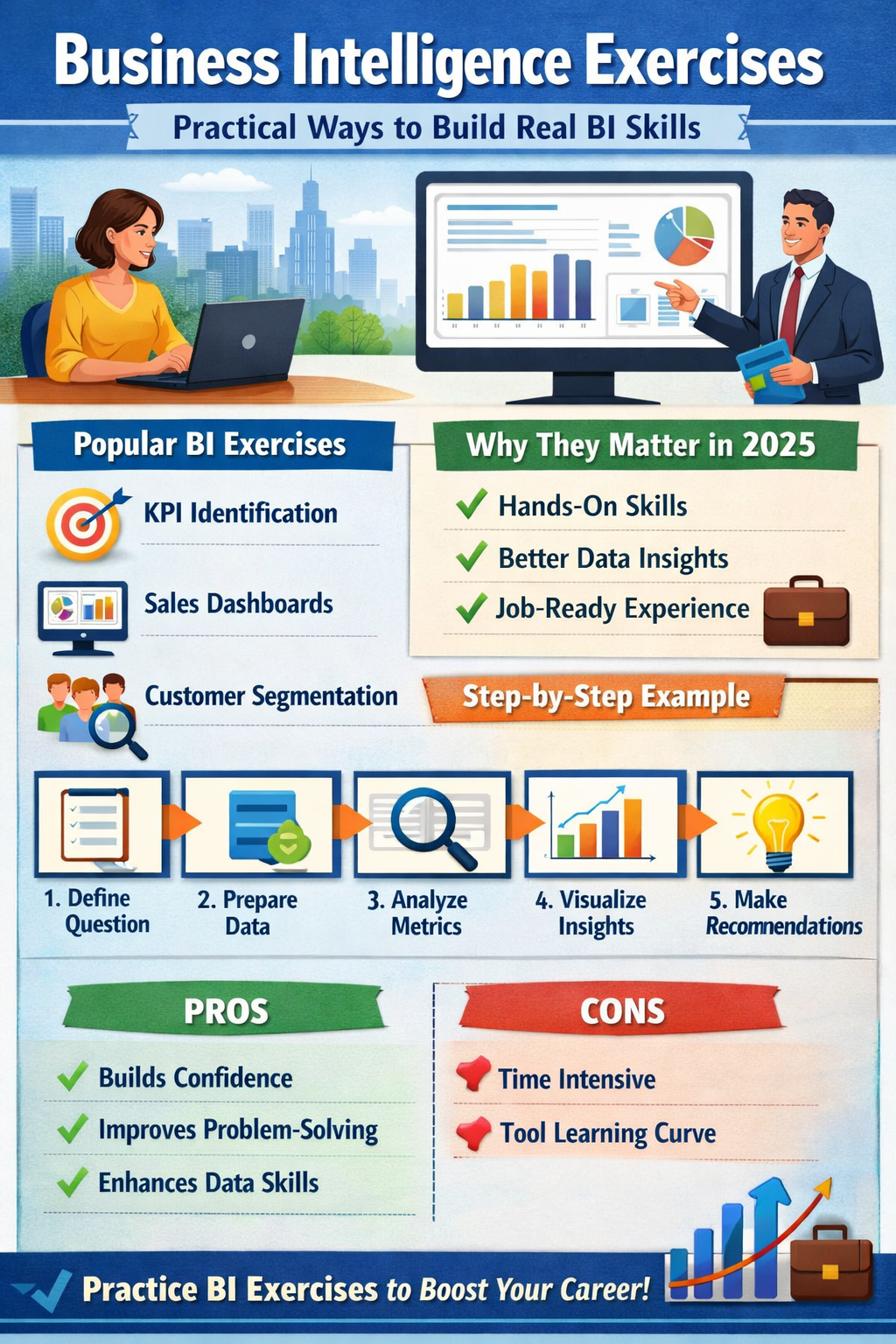
Step-by-Step BI Exercise: Real-World Example
Scenario: Retail Chain Performance Review
Step 1: Define the Business Question
Why did Q3 profits decline despite higher sales?
Step 2: Prepare the Data
Include sales, costs, regions, and product categories.
Step 3: Analyze Key Metrics
Compare profit margins across regions.
Step 4: Visualize Insights
Use bar charts and trend lines for clarity.
Step 5: Make Recommendations
Suggest cost optimization or pricing adjustments.
This mirrors how BI teams work in real companies.
Comparison Table: BI Exercises by Skill Level
| Skill Level | Exercise Type | Primary Focus | Tools Used |
|---|---|---|---|
| Beginner | KPI selection | Business understanding | Excel |
| Beginner | Sales dashboard | Visualization basics | Power BI |
| Intermediate | Segmentation | Customer insights | Tableau |
| Intermediate | Profit analysis | Decision support | SQL + BI tools |
| Intermediate | Trend analysis | Forecasting | Power BI |
Pros and Cons of Business Intelligence Exercises
Pros
- Builds real-world BI confidence
- Improves job readiness
- Strengthens problem-solving skills
- Enhances data storytelling
Cons
- Requires time and consistency
- Can feel overwhelming without guidance
- Tool learning curve for beginners
The benefits far outweigh the challenges when practiced regularly.
Common Mistakes to Avoid
- Focusing only on visuals, not insights
- Ignoring business context
- Overloading dashboards with metrics
- Skipping data validation steps
Good BI is simple, focused, and actionable.
Practical Tips from BI Professionals
- Always start with a business question
- Use fewer KPIs, not more
- Explain insights in plain language
- Design dashboards for decision-makers
Clear thinking beats complex tools every time.
Business Intelligence Exercises for Career Growth
If your goal is a BI analyst or data analyst role, exercises should mimic real work.
Hiring teams value:
- Case-based BI projects
- Clear reasoning
- Actionable recommendations
Practicing realistic BI exercises builds trust and credibility.
FAQs: Business Intelligence Exercises
What are business intelligence exercises?
Business intelligence exercises are hands-on activities that help you practice analyzing data, creating dashboards, and making business decisions.
Are BI exercises useful for beginners?
Yes. Beginner exercises focus on KPIs, basic dashboards, and data cleaning, which are essential foundational skills.
Which tools are best for BI exercises?
Excel, Power BI, Tableau, and SQL are commonly used for BI practice in the U.S. job market.
How often should I practice BI exercises?
Practicing 2–3 exercises per week is enough to build strong BI skills over time.
Do BI exercises help with jobs?
Absolutely. Practical BI exercises improve portfolios, interview performance, and real-world readiness.
Final Thoughts
Business intelligence exercises turn data knowledge into decision-making power.
They help you think like a business analyst, not just a tool user.
Start small, stay consistent, and focus on real business questions.
That’s how BI skills actually stick.

